'/%3E%3C/svg%3E)



We’re excited to announce the launch of the XMOS XTC Tools Extension on VS Code, bringing the full XMOS development experience directly into one of the world’s most popular editors.
Developers expect fast, flexible workflows. By bringing XMOS tools into VS Code, we’re reducing setup time, simplifying workflows, and delivering a more streamlined development experience for XCORE® developers.
The XMOS XTC Tools Extension transforms VS Code into a complete toolkit for developing, building, running, debugging, and flashing software on XMOS XCORE devices.
Key features include:
- Rich C/C++ IntelliSense integration for a smooth development experience
- One-click build and configurable build options
- Easy device selection for build, run, and flash workflows
- Run and debug applications directly from VS Code
- Built-in tools to set breakpoints, inspect state, and step through code
- One-click flashing to target devices
- Access to the full XTC command-line tools via the integrated terminal
Whether you’re prototyping or deploying production code, you can now stay entirely within VS Code and streamline your XMOS workflow.
Get Started with the XMOS XTC Tools Extension in VS Code
To help you get up and running quickly, we’ve created a short tutorial series covering the key workflows for using the XMOS XTC Tools extension in VS Code.
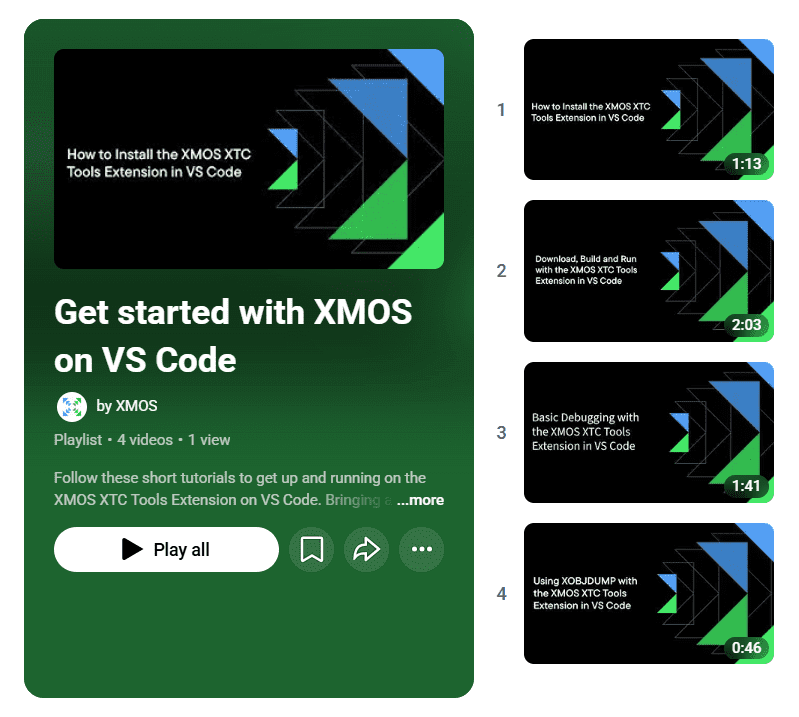
Start with:
1️⃣ How to Install the Extension
Set up the XMOS XTC Tools extension and configure your development environment.
2️⃣ Download, Build and Run
Build your first XMOS application and run it on hardware.
3️⃣ Basic Debugging
Learn how to set breakpoints, inspect variables and debug applications directly in VS Code.
4️⃣ Inspect and Disassemble XCORE applications
Explore compiled binaries and inspect generated application output.